

Get Our Weekly Newsletter
How to Set Up a Facebook Business Page (For Contractors Who'd Rather Be on a Job Site)
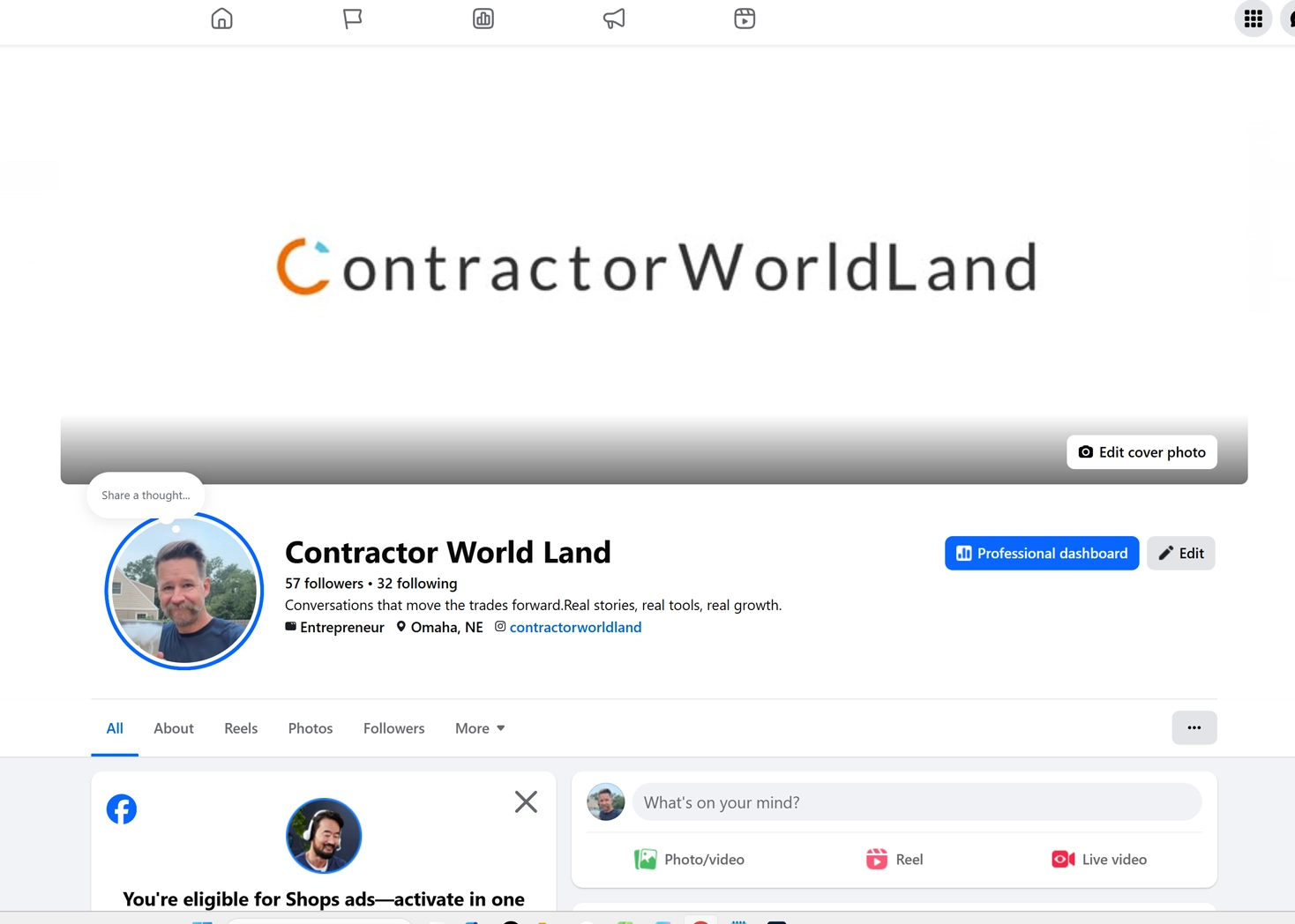
Alright, let's talk about the one piece of free marketing most guys in the trades still haven't set up right: a Facebook Business Page. Not your personal profile with 400 photos of your kid's baseball games and a cover pic from a job site — an actual page, the kind that shows up when somebody searches "roofer near me" or "electrician in [your town]."
If you're still running your business off your personal profile, stop. It's against Facebook's rules, you can't run ads off it, and it makes you look like a guy working out of his truck instead of a guy running a company — even if you are working out of your truck.
Here's why it's worth the twenty minutes: it's free, it doubles as a review page (which matters more than your website for a lot of homeowners), it lets you post job photos and before/afters without spamming your personal friends list, and it's required if you ever want to run Facebook or Instagram ads or hook up WhatsApp Business for leads.
Done right, it also boosts how you show up in local search — Google and Facebook both look at how complete and consistent your business info is across the internet, so a filled-out Page actually helps people find you, not just like you.
Setting up your Facebook business profile:
- Log into your personal Facebook account. You need one to create a page — Facebook requires it on the backend for verification — but your customers will never see your personal profile. Keep it that way.
- Go to facebook.com/pages/create or hit the menu icon and click "Page." Pick "Business or Brand."
- Enter your business name exactly how customers search for it and how it appears on your trucks, your Google listing, and your website. Don't get cute with it — consistency across platforms is what builds trust with the algorithm and with homeowners comparing you to three other guys.
- Pick your category. Be specific — "Roofing Contractor" beats "Local Business" every time for local search. You can add up to three categories, so use one primary and a couple backups (e.g., "Roofing Contractor," "Home Improvement," "Contractor").
- Write your description. You get about 255 characters — one or two sentences on what you do and where you do it. "Family-owned roofing and gutter company serving [county/region] since [year]" beats a paragraph nobody reads.
- Add your logo and cover photo. Logo should be a clean square (roughly 170x170px works) — your actual logo, not a blurry phone screenshot. Cover photo is prime real estate — use a good job photo, not a stock image.
- Fill in the About section completely — phone number (a real business line, not a random cell), website, service area, and hours. This is the part everybody skips and it's the part that actually matters. An incomplete profile hurts your credibility and your visibility both.
- Match everything to your Google Business Profile. Same name, same phone number, same address format. Facebook and Google cross-reference this stuff, and mismatched info quietly kills your local search ranking.
What you get once it's live:
- A review section customers actually trust — more than most review sites, because it's tied to real Facebook profiles, not anonymous usernames.
- A place to post job photos, before/afters, and quick updates without cluttering your personal page or looking unprofessional.
- The ability to run targeted ads to homeowners in your service area — something you flat out cannot do from a personal profile.
- Team access — you can add your office manager or whoever handles your marketing as an admin without handing over your personal Facebook password.
- A built-in Messenger inbox for leads who'd rather text than call, which is more people than you'd think.
One thing worth saying: creating the page is the easy part. Nobody finds a Facebookk page with no posts, no reviews, and a half-filled-out About section — that's just a digital business card sitting in a drawer. The real work is posting consistently and asking happy customers to leave a review before you pull off the driveway.


.svg)